
Send qualifiers
Workflow
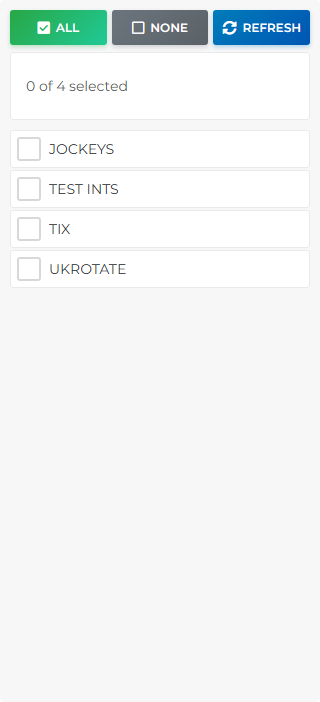
- Choose shortlists — tick projects in the left column (All / None / Refresh help bulk selection).
- Get Qualifiers — load matches for the configured race date (header button on desktop).
- Review matches — All Qualifiers tab plus bet-type and meeting tabs on the right; tick runners to include.
- Send to TIX — per-meeting send or Send ALL to TIX when ready.